
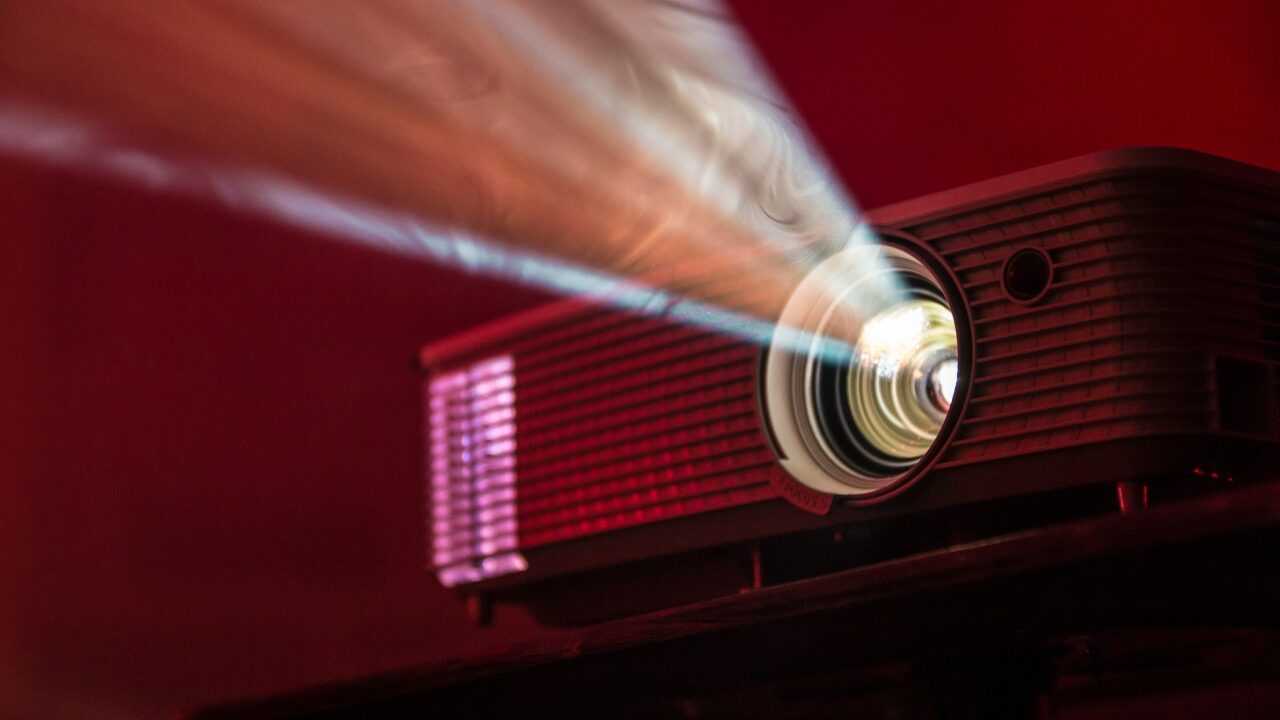
Get ready to supersize your gaming experience, because those 65-inch TVs are so last season. I mean, who needs a TV when you can have a 120-inch projected masterpiece, am I right? The best part? It’s not going to break the bank, with prices comparable to a mid-range flat-screen. But, of course, there’s a catch – you’ll have to deal with the joys of setup and calibration, because who doesn’t love a good puzzle?
Projectors: The Ultimate Party Animals
Gone are the days of projector woes, with dim images, lag, and awkward placement needs. Short-throw and ultra-short-throw models have revolutionized the game, allowing for a seamless living room setup. And let’s not forget the laser light sources, because who needs traditional bulbs when you can have a fancy laser? Some gaming-focused models are even boasting sub-4ms lag, because who doesn’t love a little friendly competition?
Specs, Specs, and More Specs
When it comes to projectors, the specs can be overwhelming, but fear not, dear reader, for I’ve got you covered. Brightness, input lag, resolution, and seating distance – it’s all a bit of a minefield. But, in a nutshell, aim for at least 2,500 ANSI lumens, under 8ms input lag, and a native 4K resolution. And don’t even get me started on throw ratio, because who doesn’t love a good math problem? A 1.5:1 projector needs roughly 11 feet to produce a 100-inch image, while short-throw models can create the same size from around 3 to 6 feet away. Yeah, it’s a bit of a brain twister.
Screen, Wall, or Something in Between
So, you’ve got your projector, but what about the screen? A plain white wall can work, but let’s be real, it’s not exactly the most elegant solution. A dedicated screen is the way to go, especially for those darker games where wall texture can be a real mood killer. And don’t even get me started on ALR screens, because who doesn’t love a good acronym? They cost more, but they’re worth it for those pesky ambient light issues.
Game Nights Just Got a Whole Lot Bigger
Imagine a 120-inch projected image, with everyone gathered around, playing Jackbox Party Pack or fighting games. It’s a whole new level of gaming experience, folks. And the best part? No more squinting from ten feet away, because the menus are nice and big, and the on-screen options are crystal clear. It’s like having your very own cinema, minus the overpriced popcorn.
Audio – Because Who Doesn’t Love a Good Soundtrack?
Built-in projector speakers are, well, let’s just say they’re not exactly the most impressive. But fear not, dear reader, for a soundbar with a wireless subwoofer is just a few clicks away. Look for HDMI eARC, a centre channel for clear dialogue, and a subwoofer that adds depth without overpowering the room. And if you’re feeling fancy, an AV receiver with bookshelf speakers and a subwoofer is the way to go.
Setting Up Your Projector – A Journey of Self-Discovery
Setting up your projector is a journey, not a destination. Measure the room, sort out the screen and audio, and don’t rush the calibration process. It’s a bit of a puzzle, but the end result is well worth it. And when you finally get it just right, you’ll be like, “TVs? What TVs?” Because, let’s be real, a projector setup can give you a whole lot more bang for your buck. So, go ahead, supersize your gaming experience, and leave those TVs in the dust. Your wallet (and your gaming buddies) will thank you.

Pixel P. Snarkbyte, widely regarded as the “Shakespeare of Sh*tposts,” is a video game expert with a unique knack for turning pixels into punchlines.
Born in the small town of Respawn, Pennsylvania, Pixel grew up mashing buttons on an ancient NES controller, firmly believing that “blowing into the cartridge” was a sacred ritual passed down through generations.
Pixel P. Snarkbyte: proving that life, much like a buggy open-world game, is better with a little lag-induced chaos.
⚖️ ENTER THE LEGALIZER
Think the government has no idea what it's doing? Put your case before the Federal Case Terminal and find out.